Improving Old Shots with Lightroom
I’ve recently learned how to get more out of Lightroom, and am using it more often to adjust my shots.
I’ve recently learned how to get more out of Lightroom, and am using it more often to adjust my shots.
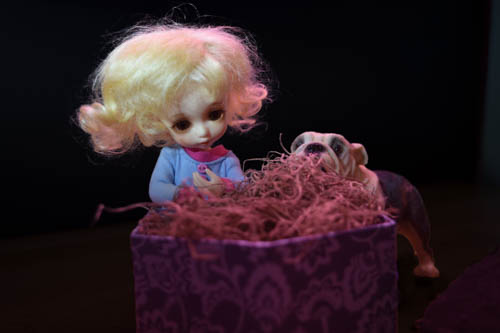
Lighting a shot is always a series of experiments. I have some very rough idea of what I want, and then I start playing around with placement and lighting. Sometimes sometimes everything looks great, and sometimes everything looks awful. I try to do more of whatever made the shot look great, but it’s a pretty rough art.
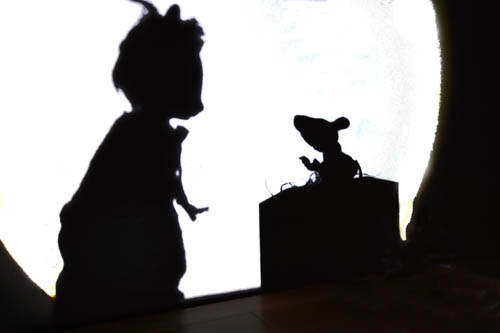
The very best thing about photographing inanimate objects is that they don’t move. So, no matter how oddly you light them up, they won’t suddenly shift and blur the shot. There’s a ton of things you can do with that stillness, and I’ve done a ton of them – scenes lit with candles, or disco balls, or other dim light. But one thing I haven’t done is photograph shadows.
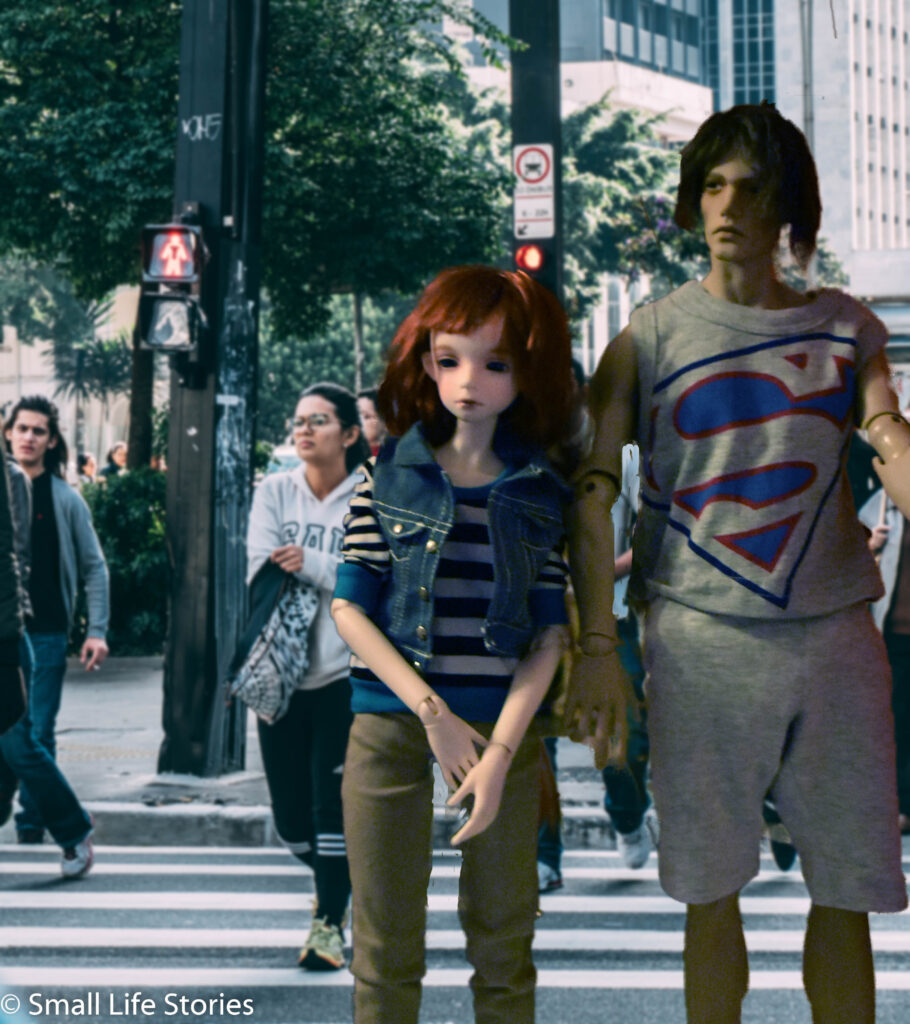
The Betwixt characters seem to spend more time out and about then any of my other dolls, so I’m forever figuring out ways to make them part of the scene.
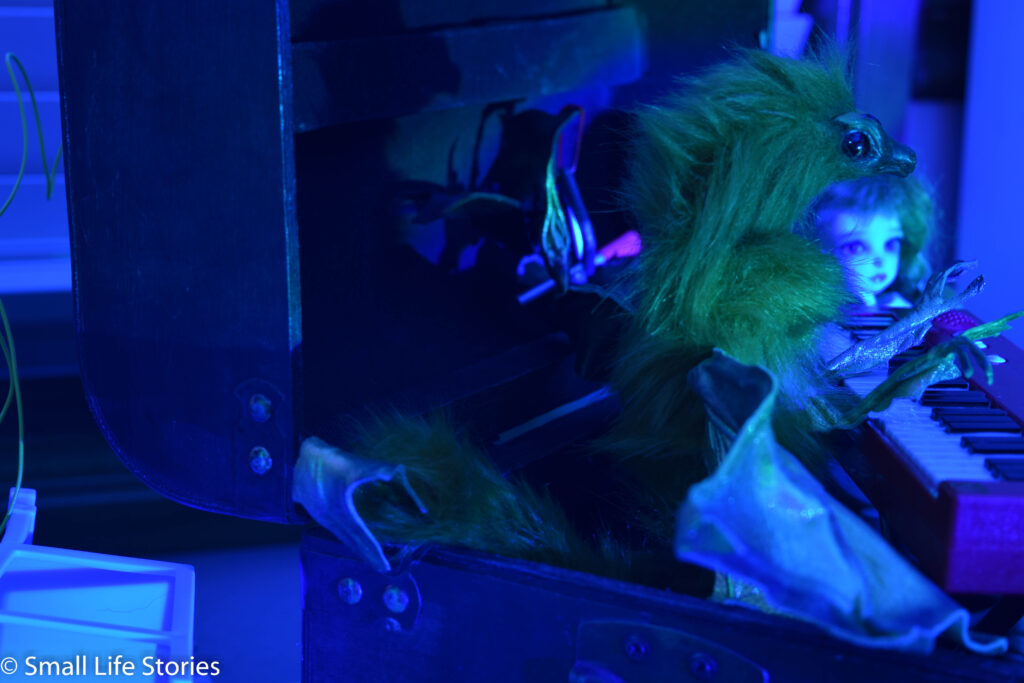
One of the big advantages of photographing inanimate subjects is that you play around with all kinds of dim lighting.
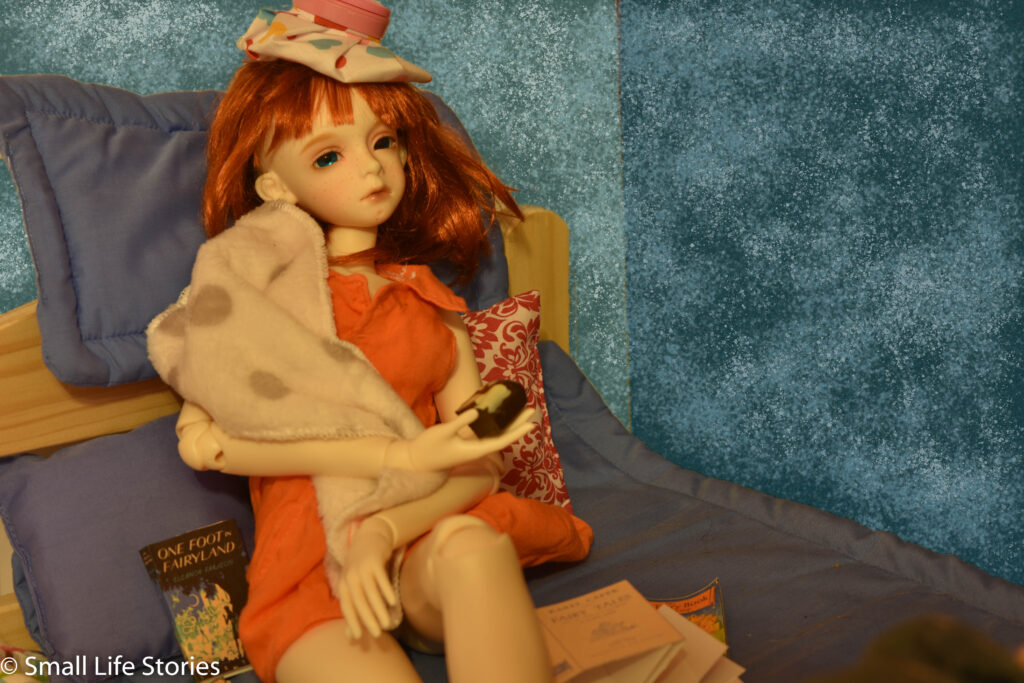
I realize I could have added a little more detail in my last post about how to create a painted wall for a roombox, but I’d gotten pretty far through the post before I realized I should write about it, so I saved it for later.
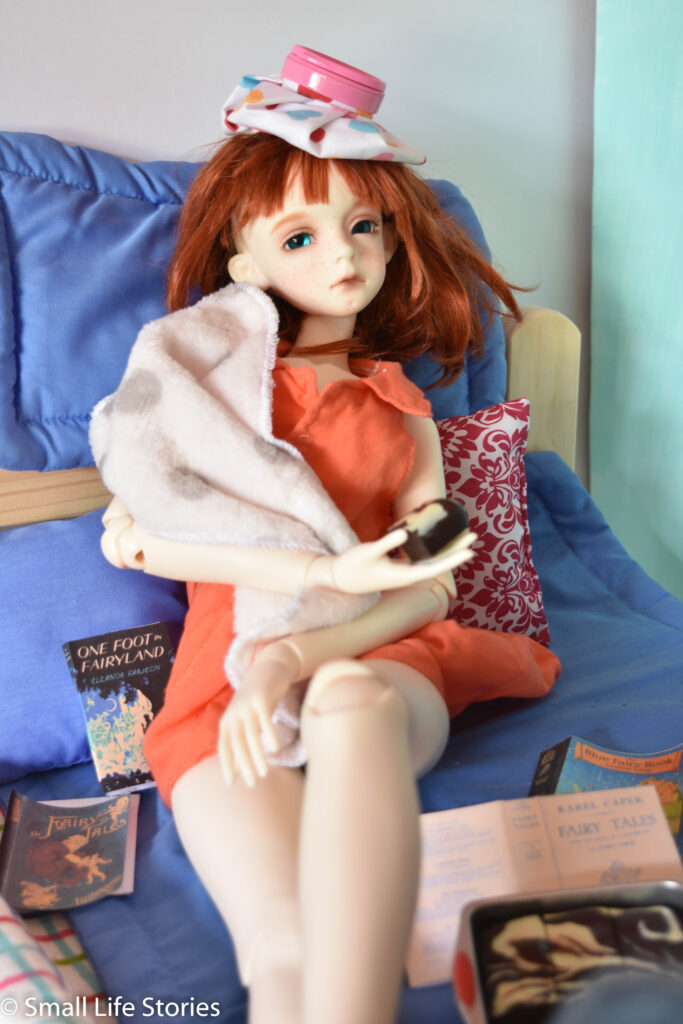
Creating an adventure with 1/3 scale dolls means dragging home much bigger pieces of materails.
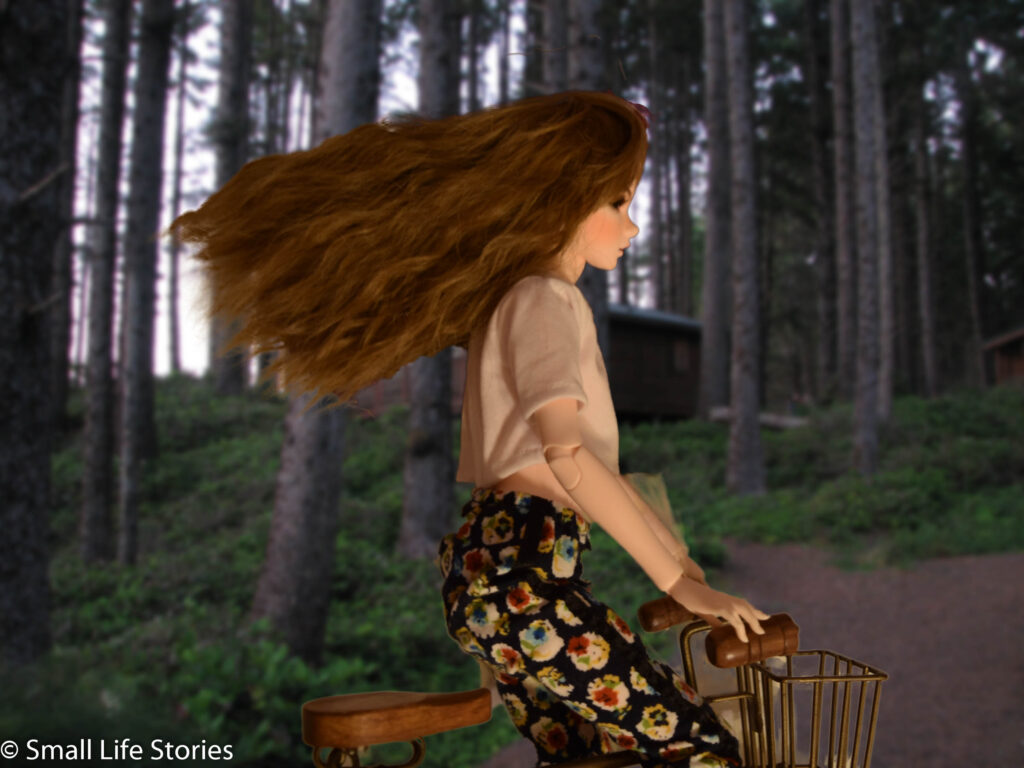
One of the hardest parts of creating an action adventure with dolls is that they’re, by nature, immobile. And, often, somewhat difficult to pose. So, how do you get them to look like they’re moving?